Roborock LiDAR error and Error 1: what to check, and when it's the sensor
The round turret on top of a Roborock is the laser distance sensor (LDS). When the robot reports a LiDAR error — on older models as Error 1 — the turret is blocked, cannot spin, or has stopped reading. Half of these are fixed at home.
Updated 2026-10-03
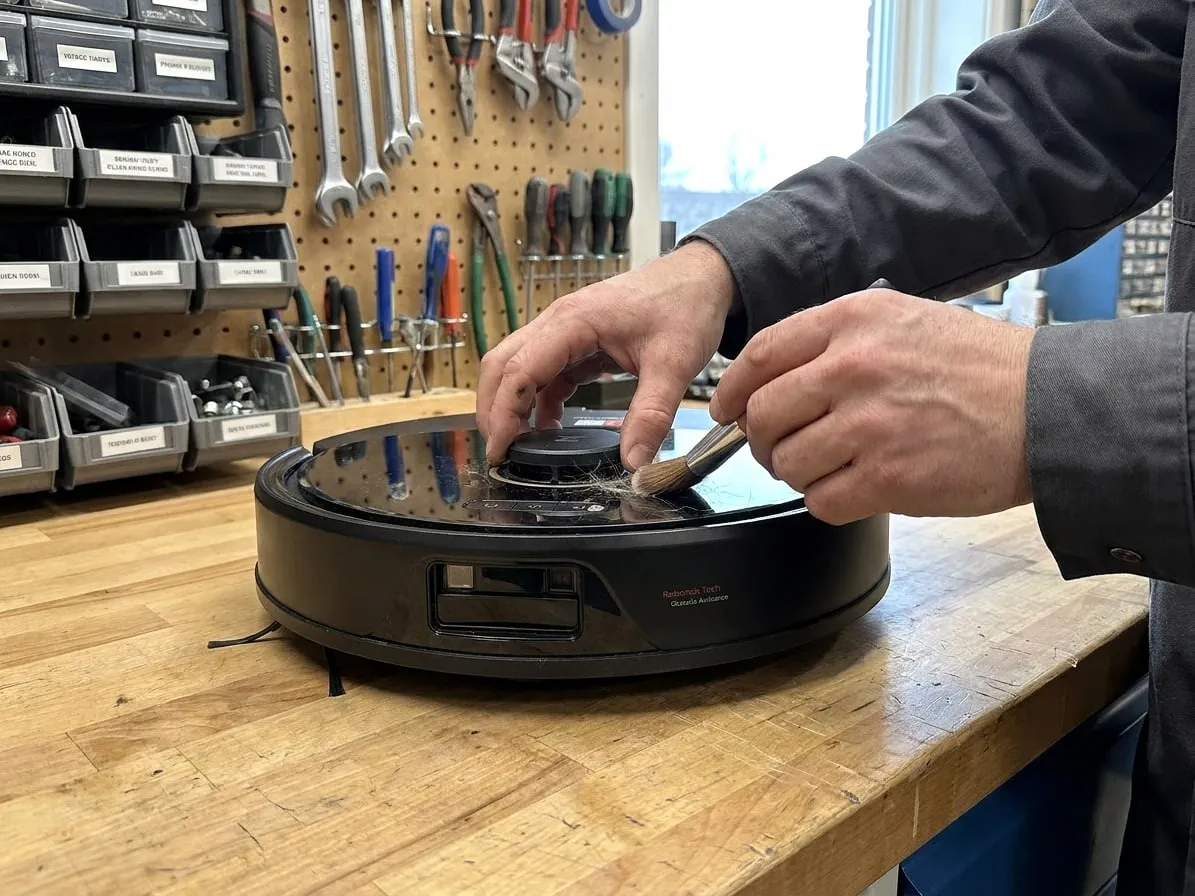
1. Watch the turret when the robot starts
Press the power button and look at the turret. On a healthy robot it starts spinning within a few seconds and keeps a steady speed. What you see tells you where the fault is:
- It spins normally — the sensor is probably fine; the error comes from something pressing on it or blocking its view. Go to step 2.
- It does not move at all — the turret motor or its drive belt has failed, or something is jamming it. Go to step 3.
- It spins, slows, stops, starts again — a worn turret motor or a slipping belt. That is a bench repair.
2. Clear what presses on it or blocks it
- Turn the turret gently by hand. It should rotate freely with no grinding. Hair and fluff collect underneath it.
- Check the LiDAR cover. On many models the cover over the turret is also a collision sensor — if it is pushed down or stuck, the robot thinks it is pinned. Press it and make sure it springs back.
- Wipe the two small windows in the turret with a dry microfiber cloth.
- Look at where the robot stopped. Low furniture that touches the top of the turret triggers the same error. Move the robot to open floor and restart.
3. If the turret will not spin
Restart the robot once (hold the power button until it switches off, then turn it back on). If the turret still does not move with nothing jamming it, the cause is inside: the small turret motor, its belt, or the LDS module itself. Cleaning will not fix that.
The usual repair is the turret motor (a $20–30 part) or the whole LDS module (around $70), plus opening the top cover. It is a delicate job but a quick one on a bench.
4. If it spins but the map is wrong
A robot that bumps into walls, maps rooms at strange angles or "loses" itself with a spinning turret often has a dirty or failing laser. Clean the windows first. If the map stays wrong after a fresh map run, the LDS module is weak and needs replacing.
Tried all of that?
Then the fault is inside the machine. Send it to our bench: free estimate, prepaid shipping both ways, 7–12 days door to door.