Roborock not charging: what to check, in order
A Roborock that will not charge is usually dirty contacts or a dock problem, sometimes a worn battery, and only occasionally a board fault. Check them in this order — the first two cost nothing.
Updated 2026-10-03
1. Contacts on the robot and the dock
Turn the robot over. There are two metal charging pads on its underside and two matching spring contacts on the dock. Wipe all four with a dry cloth or a little isopropyl alcohol. Dust and a thin film from floors are enough to stop charging.
Press each dock contact: it should spring back. A contact that stays down never touches the robot.
2. The dock
- Check that the dock indicator light is on. No light: check the outlet and the power cable into the dock.
- Give the dock half a meter of clear space on each side and a meter in front. A robot that cannot line up never reaches the contacts.
- Put the robot on the dock by hand. If it charges by hand but not on its own, the fault is docking (sensors or the dock signal), not charging.
3. The battery
If the robot charges but runs only a few minutes, or the percentage jumps, the battery is worn. Roborock batteries usually last three to four years of daily use. A replacement is often something you can fit yourself — it is a few screws under the bottom cover on most models.
4. When it's inside the robot
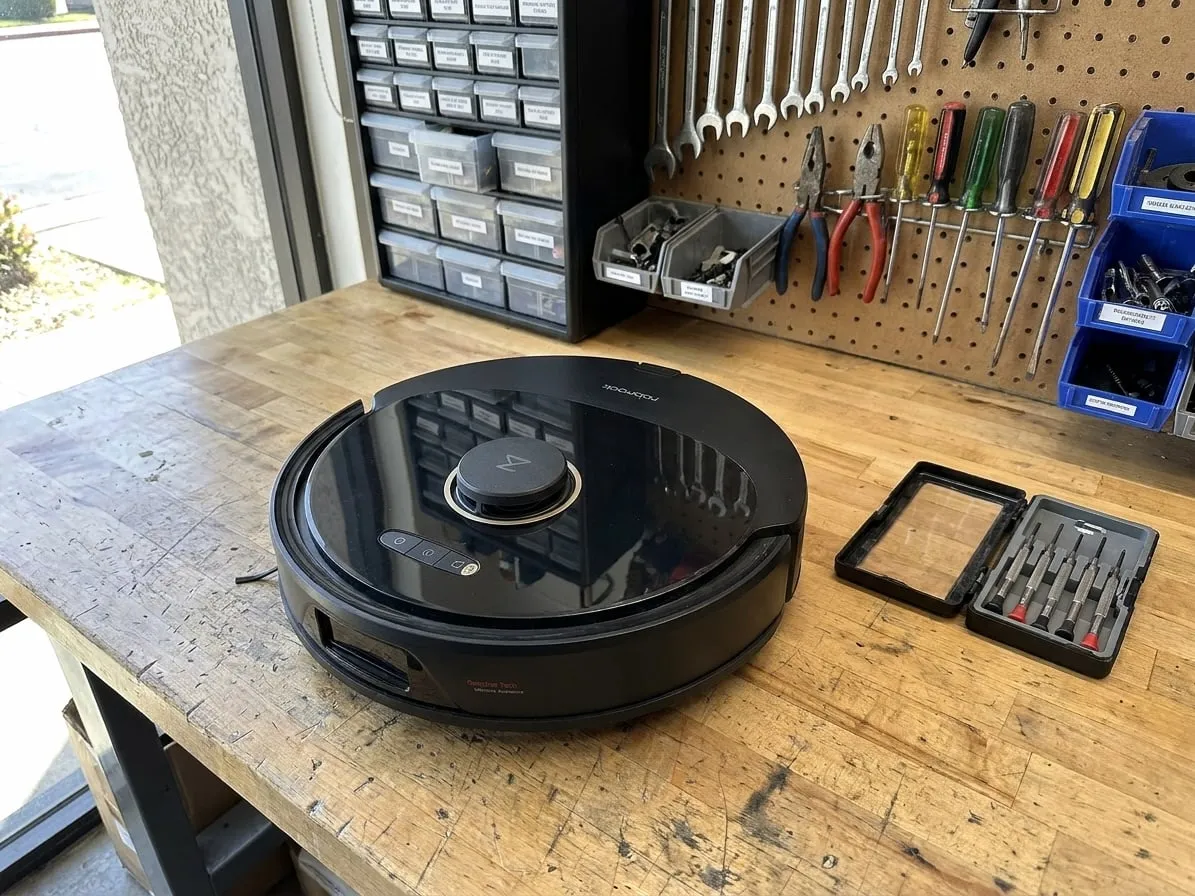
If the contacts are clean, the dock works, it will not charge by hand and a new battery changes nothing, the fault is in the charging circuit on the main board. That is a bench repair.
Tried all of that?
Then the fault is inside the machine. Send it to our bench: free estimate, prepaid shipping both ways, 7–12 days door to door.