Roomba Error 15: reboot first, then what
Error 15 means the robot's internal parts stopped talking to each other — iRobot calls it an internal communication error. Most of the time a proper reboot clears it. When it comes back again and again, something inside is failing.
Updated 2026-10-03
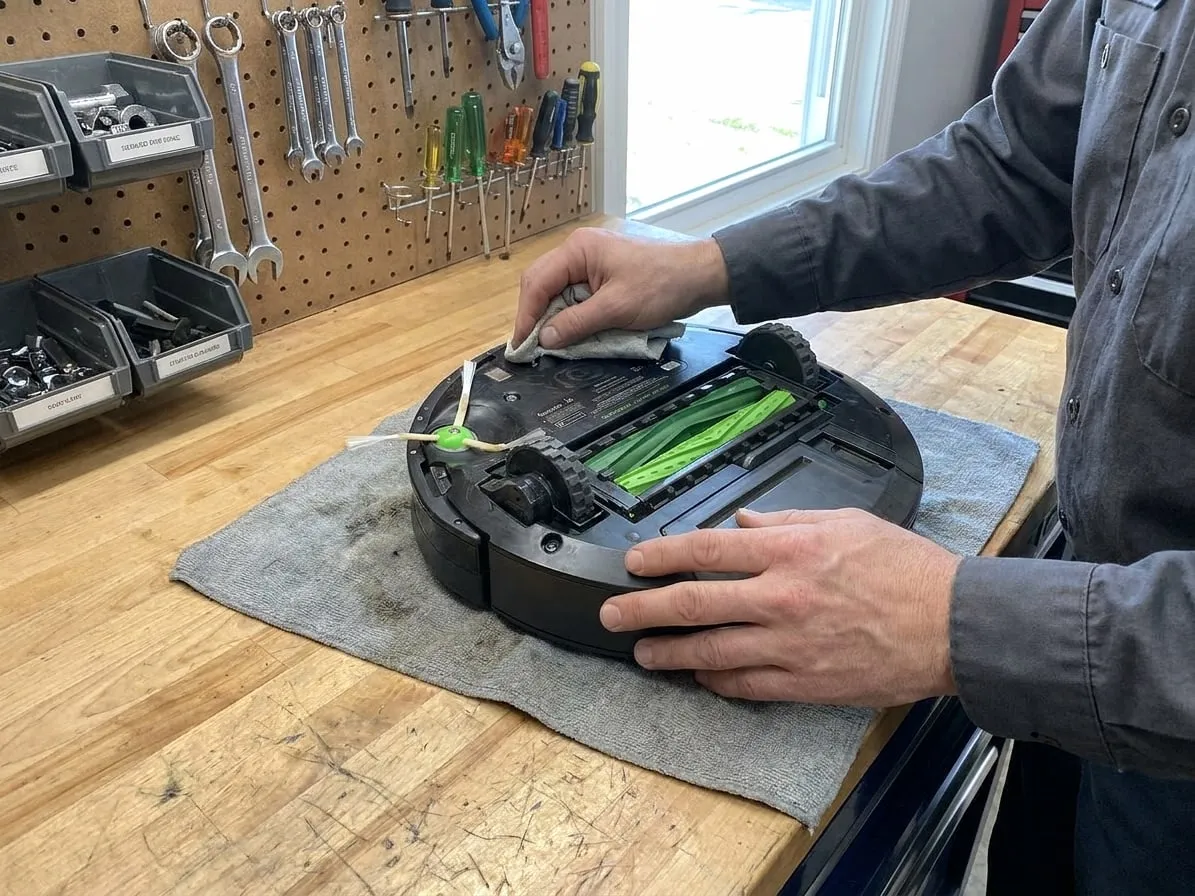
1. Reboot it properly
Not just off and on. A reboot clears the robot's memory and restarts its electronics:
- j, s and i series: press and hold the CLEAN button for about 20 seconds, until the light ring around it turns on, then let go.
- Older 600, 700, 800 and 900 series: press and hold CLEAN for about 10 seconds, until the robot beeps.
Then put it on the Home Base and let it charge before the next run.
2. Update and reconnect
Open the iRobot app and check for a software update. Error 15 sometimes appears after an interrupted update; finishing it clears the error.
3. Check the battery
A worn battery that drops voltage under load can cause internal errors. If the robot is three or more years old and its runtime is short, try a new battery — it is held by two screws under the bottom cover on most models.
4. If it keeps coming back
An Error 15 that returns after reboots, an update and a good battery points to a failing main board, or a loose cable between the board and a module. That needs the robot opened on a bench.
Before you send it: on an older entry-level Roomba, a board repair can cost more than the robot is worth. We will tell you that honestly in the free estimate.
Tried all of that?
Then the fault is inside the machine. Send it to our bench: free estimate, prepaid shipping both ways, 7–12 days door to door.