Roomba repair — Error 15, charging, wheels and brushes
A Roomba that keeps throwing Error 15, will not charge or drags in circles usually has one module that failed. Send the robot — not the base — and we fix that module. Repairs from $249, shipping both ways included.
Models we see: iRobot Roomba j7, j7+, j9+, Combo j7+ and j9+, s9 and s9+, i3, i4, i7, i8, Combo 10 Max; older 600–900 series.
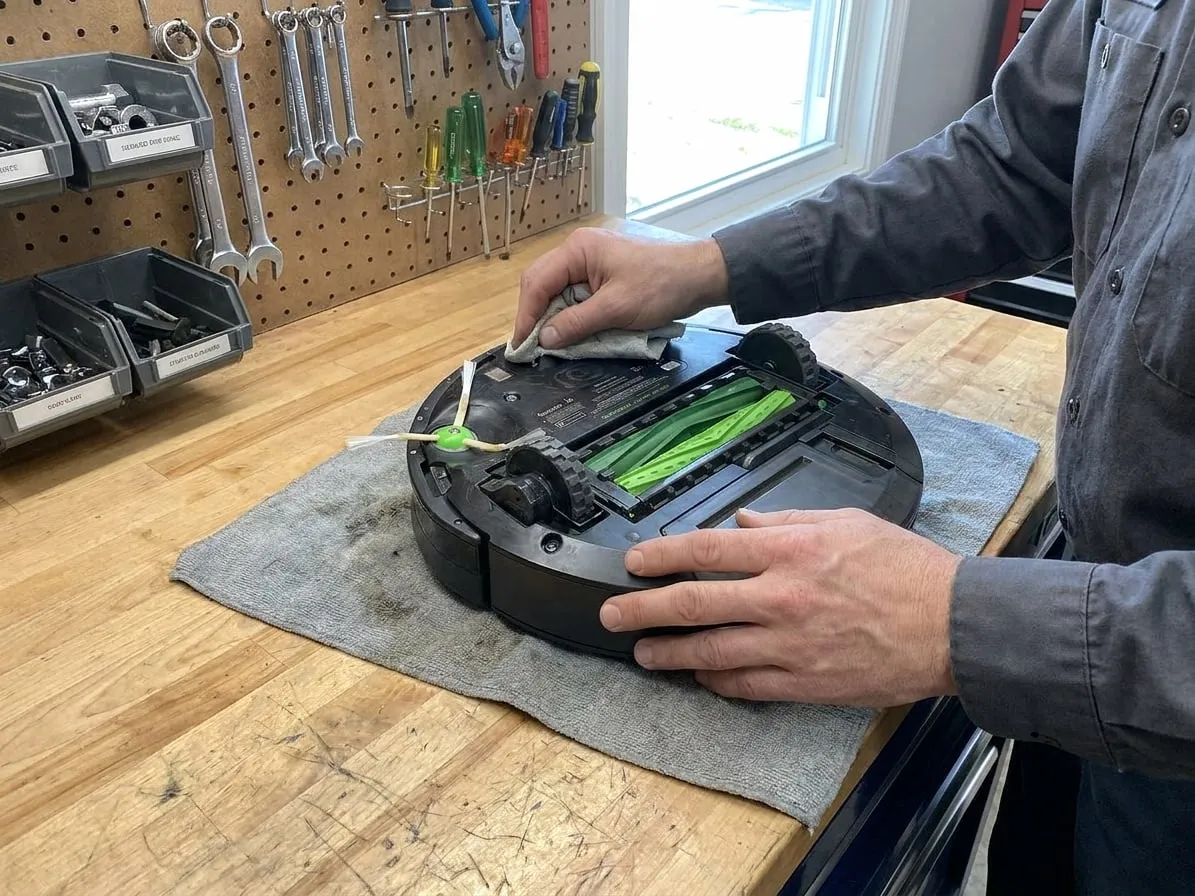
What it does, what failed, what it costs
| Symptom | Usual cause | What we do | Price |
|---|---|---|---|
| Error 15, or "internal communication error", back after every reboot | A failing main board, a loose internal connector, or corrosion after a spill | Connectors cleaned and reseated, board repaired or replaced | from $249 |
| Will not charge, or charges and dies within minutes | Dirty or worn charging contacts, a worn battery, a charging circuit fault | Contacts, battery or charging circuit repair | from $249 |
| Error 2: the brush rolls will not turn | Hair in the extractor bearings, a worn cleaning head module or its motor | Cleaning head module serviced or replaced | from $249 |
| Wheel error, drags to one side or goes in circles | Hair in the wheel module, a worn wheel motor or a broken spring | Wheel module service or replacement | from $249 |
| Error 8 or a loud whine, weak suction | Vacuum fan motor clogged or failing | Fan motor cleaned or replaced | from $249 |
| Error 9: bumper stuck, or it bumps into nothing | Bumper switches or a jammed bumper | Bumper freed, switches replaced | from $249 |
Prices include prepaid shipping both ways. The final price is confirmed after we open the machine, and nothing is repaired until you approve it. All prices, the deposit and the warranty →
Try these first
Checks you can do at home before shipping anything.
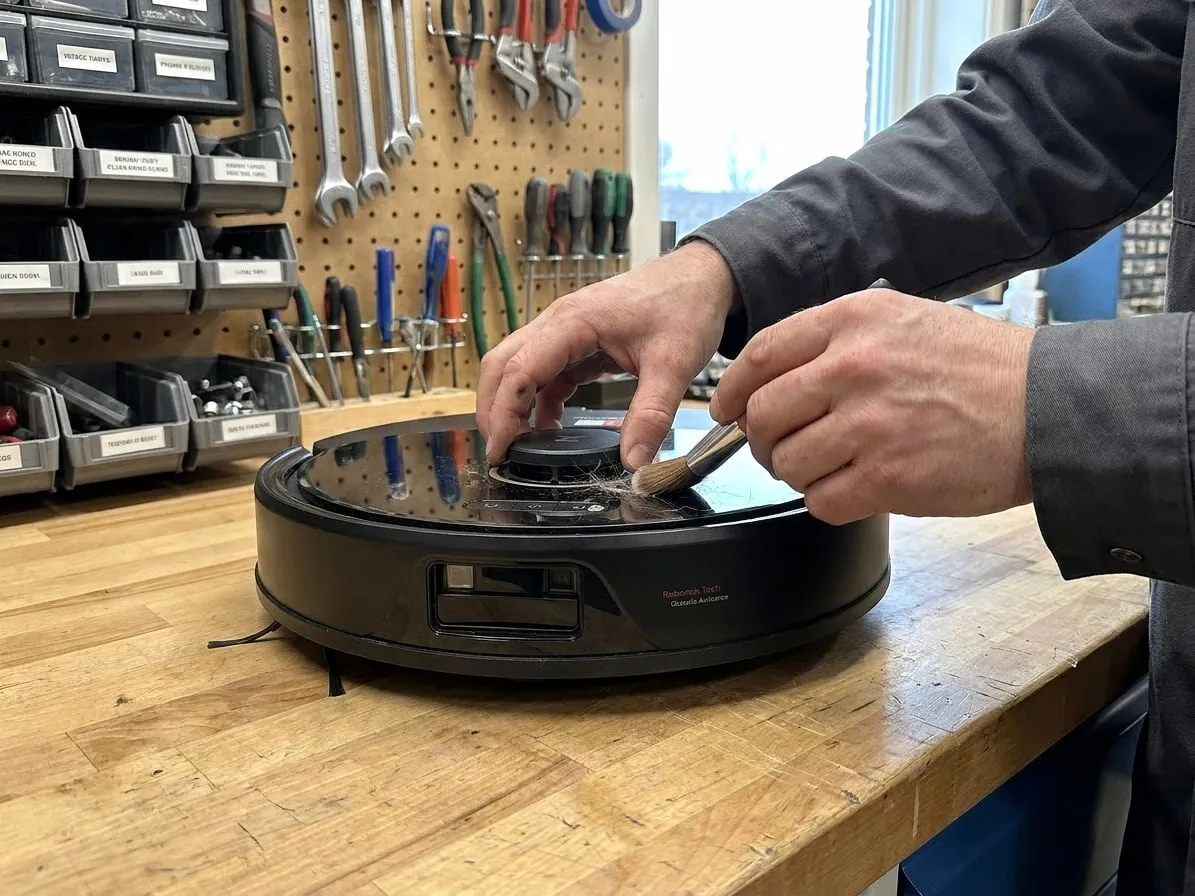
Roborock LiDAR error and Error 1
Watch the turret, clear the cover, and when it is the LDS motor.
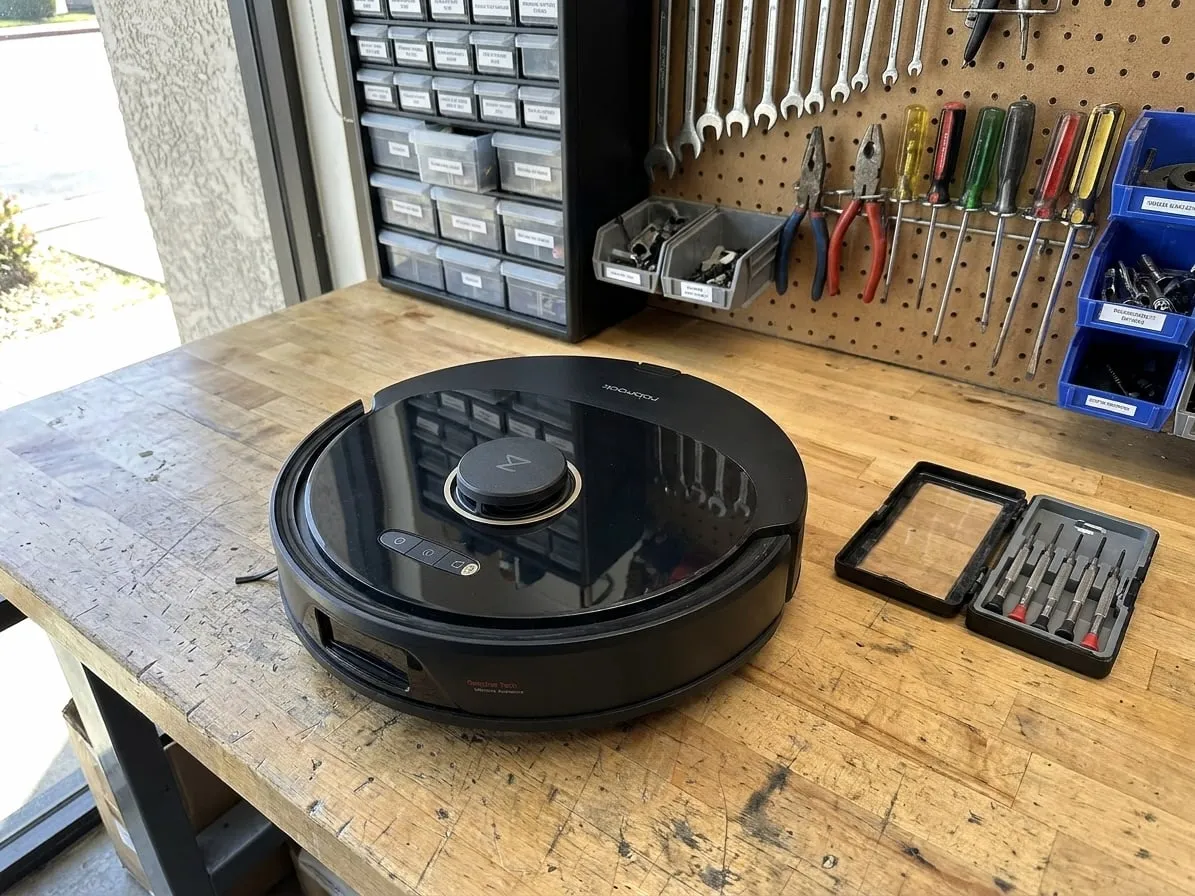
Roborock not charging
Contacts, the dock, the battery, and the charging circuit.
Roomba Error 15
How to reboot properly, and what a recurring Error 15 means.
Roomba not charging
Contacts, Home Base, reset, battery.
What the price includes
- Diagnosis, the repair, a cleaning test on our floor, and a short video of it working.
- Common parts — wheel modules, cleaning heads, fan motors — are in the price. Batteries and main boards are quoted before any work.
- Prepaid shipping both ways, and a 90-day warranty on the repair.
How to ship it
- Send the robot only, with its battery in. Leave the Home Base or Clean Base at home — it is bulky and is rarely the problem.
- If the base itself will not empty the bin, tell us in the form and we will advise before you ship anything.
- Empty the bin, remove the mop pad on Combo models, and pack the robot with padding on every side.
- We text you the prepaid UPS label and the address after we reply to your request.
Questions
Which Roomba models do you repair?
The j series (j7, j7+, j9+, Combo j7+, Combo j9+), the s9 and s9+, the i series (i3, i4, i7, i8) and the Combo 10 Max. Older 600, 700, 800 and 900 series too — we will tell you honestly if a new robot makes more sense.
How do I fix Roomba Error 15 myself?
Reboot it properly first: on j, s and i series hold CLEAN for about 20 seconds until the light ring comes on; on older models hold it for about 10 seconds until it beeps. Then finish any pending update in the app. If Error 15 keeps coming back, something inside is failing — our Error 15 guide walks through it.
My Roomba is under warranty. Should I send it to you?
No — use the iRobot warranty first. We are an independent shop and opening the robot may affect the factory warranty.
Is it worth repairing a Roomba?
For a j or s series robot, usually yes: most faults are one module and an hour on the bench. Repairs start from $249 with shipping both ways included.
What if it cannot be fixed?
If you say no to the quote, the $69 deposit covers return shipping and that is all you pay.
We also repair Kirby, Rainbow, Dyson, Miele, robot vacuums, Oreck and other premium brands by mail.
Get a free estimate
Tell us the model and what it does. A technician reads it and texts you back with a price range and a prepaid shipping label.
- Prepaid shipping both ways is in the price
- We quote before any work starts
- Turnaround: 7–12 days door to door
Rather talk? Call or text (323) 455-2880.